Get your WooCommerce products found by AI shopping assistants
A free plugin connects your store to CortexCommerce. We enrich your thinnest product pages, show you what to fix so ChatGPT and Perplexity can read your store, and write back only what you approve. You can see the first results the same day, with no card entered.
Built for stores with thin product pages
Descriptions that say very little
Your catalog has products with a title, a price and one line of text. AI assistants have little to quote, and so do shoppers.
Not showing up when people ask AI
You suspect your store does not come up when someone asks ChatGPT or Perplexity for what you sell, and you want to know what to change.
No time to rewrite hundreds of products
You want the drafting done for you, and you want the final say on every word before it reaches your store.
From sign-up to a live fix, usually the same day
Create a free account
Go to app.cortexcommerce.ai and enter your name, your store name and your email. We email you a link to set your password. No card.
Add your store
In the portal choose Add store, then WooCommerce, and download the plugin. Upload it under Plugins, Add New, activate it, and paste in the connect code the portal shows you.
We read your catalog
The plugin sends your whole catalog once, then any products that changed every 5 minutes. A first AI visibility scan of your store runs as well.
Up to five products are waiting
Up to five of your thinnest products are enriched for you from your 50 free credits. Your free credits are given once per account and once per store domain.
Approve and publish
Review the drafts in the portal. Approve one and the plugin writes it to your store within the hour, or straight away when you click Sync now in WordPress.
Work through the fix list
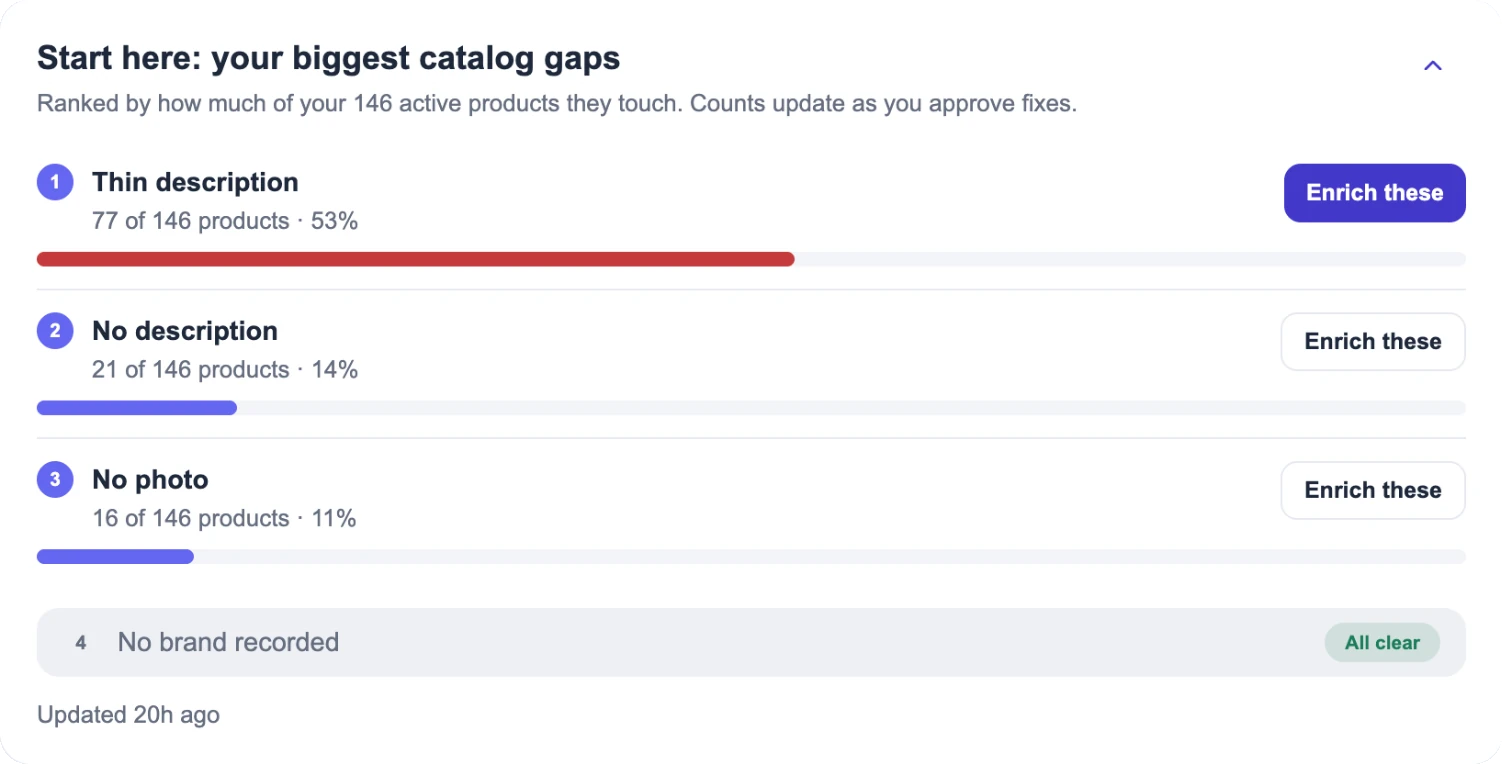
The visibility scan lists what else in your store needs fixing, with a plain note on what to do about each item.
From your WordPress admin to more AI shoppers
The plugin syncs your catalog
- Waxed canvas toteSent
- Linen apronSent
- Oak cutting boardSent
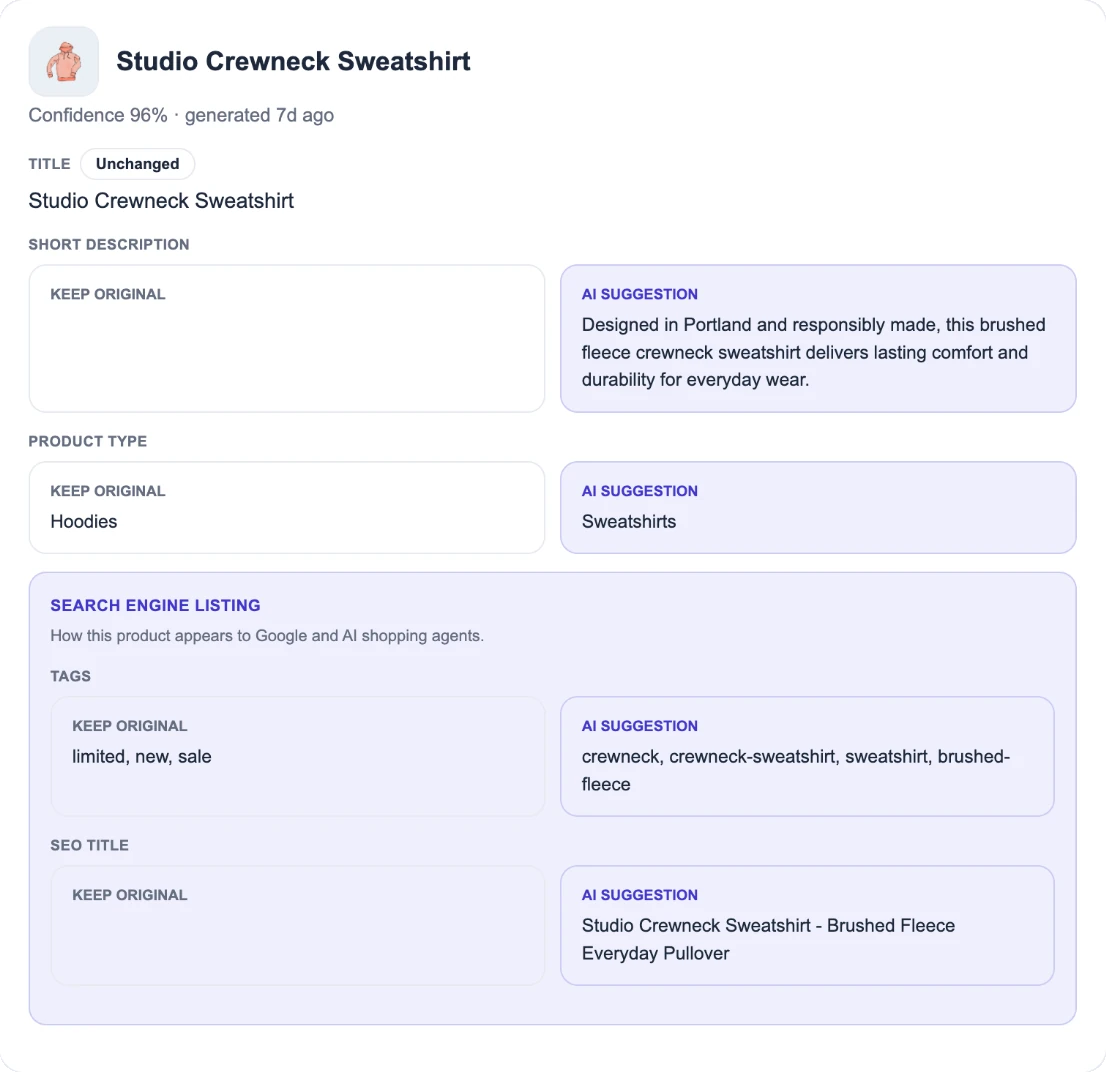
We enrich it, you approve it
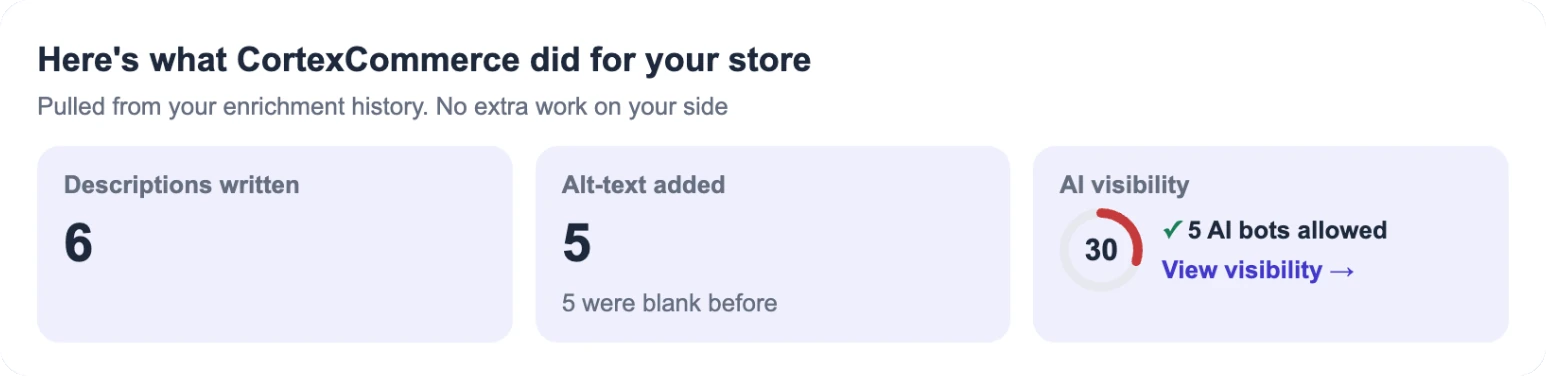
AI assistants have more to quote
An illustration of the flow, not data from a real store. Your dashboard shows the AI sessions your own store gets.
Exactly what the plugin sends, in plain words
Nothing until you connect
The plugin sends nothing until you click Connect to CortexCommerce. Disconnect or deactivate it and syncing stops.
Your products
Your catalog, including variations, categories, tags and each product's SEO title and meta description. The plugin's connection key can read and update products only. It cannot reach orders, customers or settings.
Page views and add-to-cart
A small pixel reports page type, page path, referring site, UTM tags, search terms, product ID, browser language and time zone, device class, page load timing, scroll depth, how long a page was visible, add-to-cart, and the browser's user-agent string. It uses no cookies and sets no visitor identifiers.
Paid orders and refunds
Order number, status, date, total, currency, coupon flag and line items, plus WooCommerce's own order-attribution data when it has it. Refunds send the order number, currency, and the refund's number and amount. Sent from your server. No names, email addresses, postal addresses or phone numbers.
What comes back
Only values you approved: names, descriptions, tags, SEO title and meta description, and image alt text. SKUs and prices are never touched.
Never your card
The plugin never sees or sends payment card details. If you buy credits, you pay on Stripe's own checkout page.
These events are kept for 13 months and then deleted automatically. The same list is in the privacy policy. The plugin needs a free CortexCommerce account to work. You review and approve in the portal, not inside WordPress.
Good to know
Start free. See your first products enriched today.
Make a free account, install the plugin, and review up to five drafts. You decide what goes live. On Shopify instead? CortexCommerce installs there as the CortexGuard app.
Free to start with 50 credits and no card. Plans from $15 every 30 days, credit packs from $10 that never expire. The same plans and packs apply on Shopify and WooCommerce. Pay by card through Stripe Checkout. WooCommerce stores with a billing location in Canada pay the same amounts in CAD, with provincial sales tax added at checkout. Other WooCommerce stores pay in USD with no tax. Shopify stores stay in USD through Shopify. See every plan and pack.