Remember how shopping online used to start? You typed “waterproof jacket” into a search box and scrolled a grid. Now picture the same shopper asking an AI assistant: “I bike to work in Vancouver. What should I get so I stop arriving soaked?”
That question isn't a category. It's a whole situation: rain, cycling, commuting, looking presentable at the other end. The assistant answers it by pulling together products that fit the situation, and by pointing at pages that explain why they belong together. A store organized only by product type (Jackets, Pants, Bags) leaves the assistant to do all of that matchmaking itself, and it will often pick a store that did the work already.
Categories describe products. Intent describes shoppers.

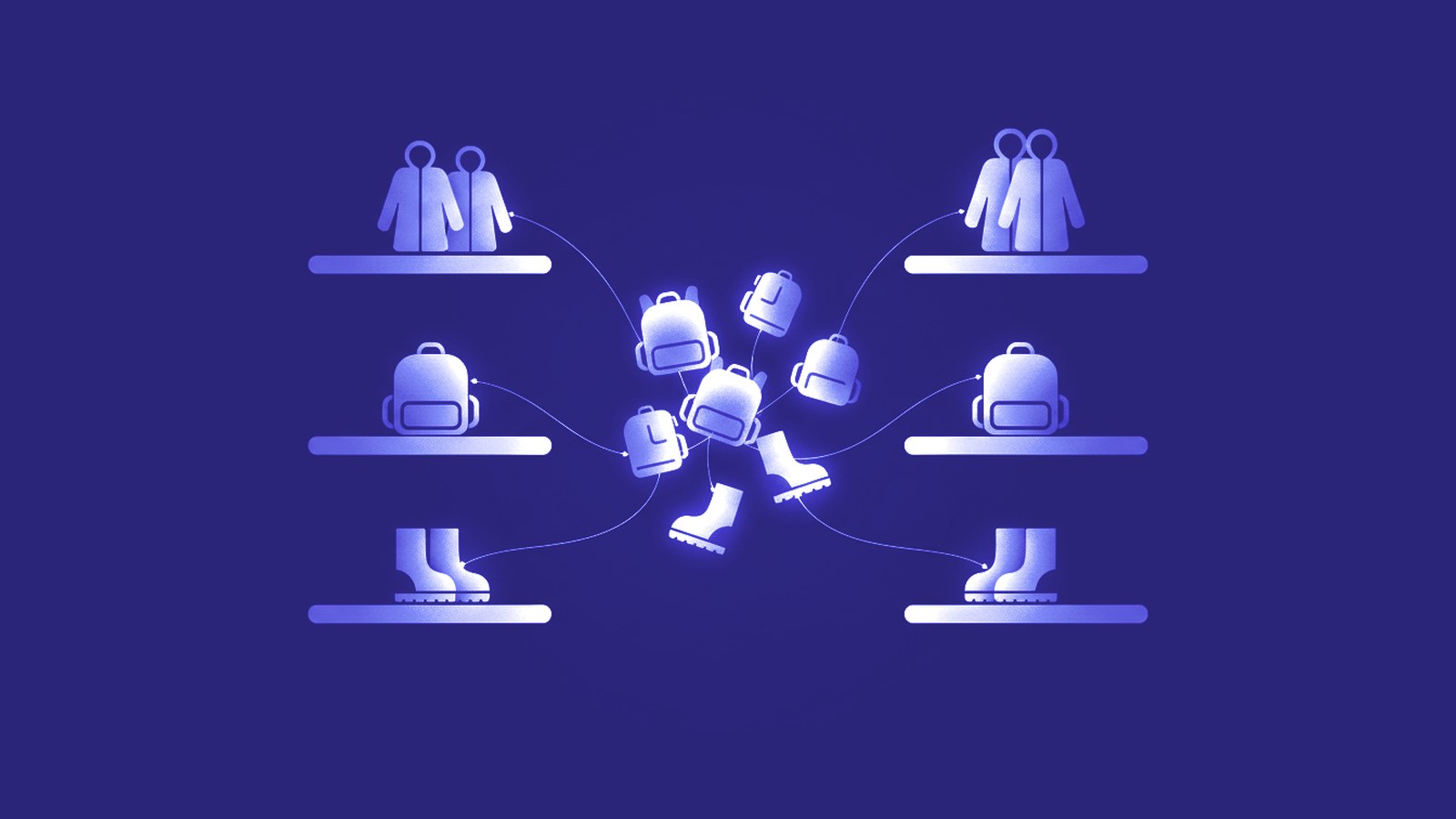
Your category tree answers “what is this?”. Shoppers ask “what is this for, and is it for me?”. An intent group cuts across categories: a waterproof commuter jacket, a pannier bag, reflective gloves and quick-dry trousers live in four different places in your menu, but they are one answer to one question.
A few signs your catalog only speaks in categories:
- Your collections mirror your menu: Jackets, Pants, Accessories.
- Your product copy describes materials, but never the moment someone would use the product.
- Your tags are mostly internal, like season codes and supplier names, rather than words a shopper would say.
- The best answer your store has to “what should I get for…” is a search results page.
How to find the intents hiding in your catalog
- Start from questions, not products. Write down ten things customers actually ask you, in their words. Support emails, reviews and sales chats are gold here.
- Group products by the question they answer. One product can sit in several groups, and that is the point.
- Name each group the way a shopper would describe themselves or their moment: “Rainy Day Commuter”, not “Outerwear 2”.
- Give each group a home: a collection with a real description of who it is for and why these products belong together.
- Make the link machine-readable: tag the products, and describe the collection in structured data so assistants can tell what the page is.
For 50 products, that is a pleasant afternoon. For 3,000, it is the project nobody ever gets to.
Or let CortexGuard find them: meet Themes

Themes is the new page in the CortexGuard app that does this grouping for you. It reads your whole catalog and proposes shopper themes, each with a name, the shopper signals behind it and the products that fit. On one of our own test stores, a sporting-goods catalog, it proposed 179 themes, one of them “Urban Trailblazers” with 207 products in it.
You stay in charge of every step:
- Review: rename a theme, merge two that overlap, or reject one that doesn't fit your brand.
- Approve: one approval tags every product in the theme, through the same Review Inbox and paced write-back as the rest of CortexGuard. On that test store, all 207 products were tagged in about 30 seconds.
- Collect: improve the collection that already covers the theme best, or create a new one. A new collection stays a draft until you publish it.
- Describe: the CortexGuard storefront embed adds the theme to your product structured data and marks up theme collections, and you choose what it emits under Settings, Structured data.
What changes for an AI assistant

Before: a question about commuting in the rain finds your Jackets page and your Bags page, and the assistant has to guess which of your jackets are really waterproof and good on a bike. After: it finds a collection that says, in plain words and in markup, that this is waterproof, reflective gear for riding to work, with exactly the right products in it.
We won't promise you a ranking. Nobody honestly can. What we can promise is that your store stops making the assistant guess on your behalf.
Themes is part of the Scale plan. Curious where your store stands first? Run a free scan at cortexcommerce.ai/scan and see how AI assistants read your products today.